







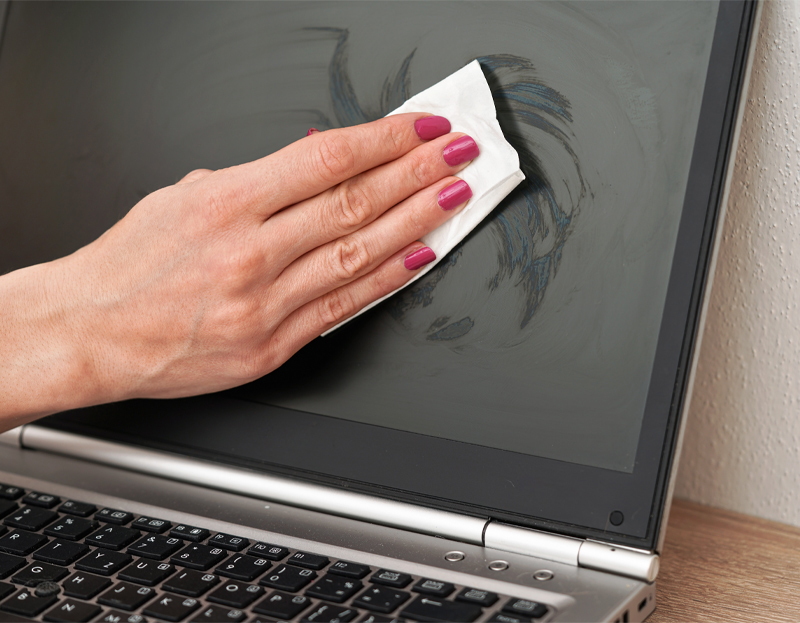
During long working hours at a desk, screens collect dust, fingerprints, and micro-particles from keyboard contact. The first reflex for many is grabbing a wet wipe from a drawer or spraying an all-purpose window cleaner. Although the screen appears sparkling clean initially, this habit silently degrades the most delicate component of modern display technology.
Contemporary portable computer screens are far from standard window glass. They are engineered with microscopic nano-coatings that prevent glare, enhance color contrast, and preserve touch sensitivity. When exposed to harsh chemicals, these delicate layers suffer irreversible peeling and permanent optical damage.
Invisible Layers on the Screen: Optical and Protective Chemistry
Modern display panels consist of more than just a light-emitting LED or OLED substrate; their surfaces feature multiple functional polymer and metal oxide layers.
Anti-Reflective (Anti-Glare) Coating: To prevent ambient sunlight or office lighting from creating a mirror effect on the screen, optical layers such as magnesium fluoride or silicon dioxide are deposited under vacuum. This layer minimizes eye strain by manipulating the wavelength of reflecting light.
Oleophobic and Hydrophobic Layer: On touchscreen surfaces and panels that come into contact with finger oils from keyboard keys when the lid is closed, a thin fluoropolymer-based layer repels grease. This treatment prevents oils and liquids from adhering, allowing them to glide off easily.
Hazardous Chemicals in Wet Wipes and Common Cleaners
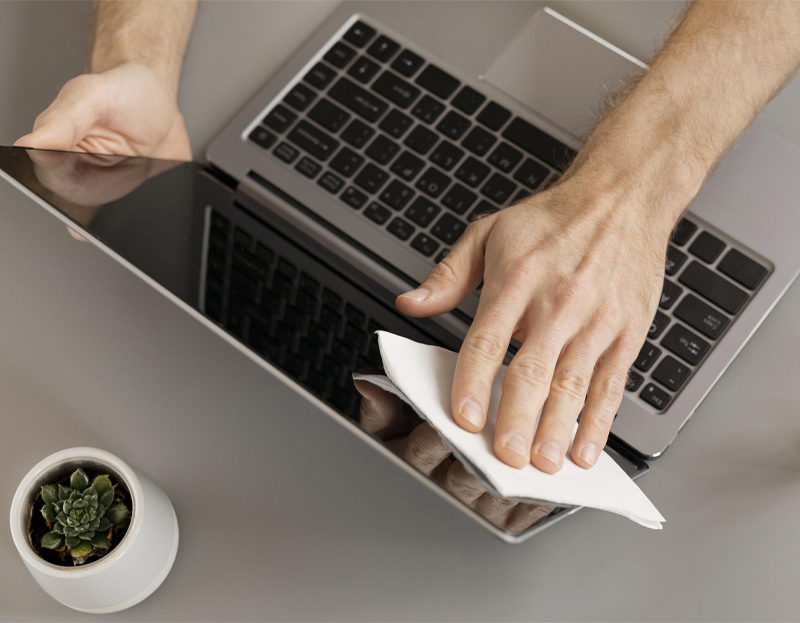
Standard household wet wipes, sanitizers, and glass cleaners are formulated for hard structural surfaces or personal skin hygiene, making them aggressively abrasive for optical nano-coatings.
Solvent Action of Alcohol and Isopropyl Alcohol: High-proof ethyl alcohol and isopropyl alcohol present in sanitizing wipes dissolve the organic binder polymers anchoring the anti-reflective coating. As the coating degrades chemically, permanent matte blotches and refraction irregularities develop that cannot be wiped away.
Surfactants and Fragrances: Glycerin, synthetic fragrances, and anionic surfactants added to wet wipes to prevent drying leave behind an oily film on the display. This residue creates rainbow-colored glares under direct lighting, severely degrading visual clarity.
Ammonia and Bleach Derivatives: Ammonia, frequently found in glass cleaners, dulls the outermost protective lacquer over time, causing yellowing and micro-cracking across plastic bezels and substrates.
The "Peeling Screen" Syndrome: The Staingate Reality
A prevalent issue encountered by owners of premium laptops equipped with anti-reflective treatments is the visible delamination and peeling of the screen coating.
This phenomenon often originates from chemical wear caused by improper cleaning. Wiping with sanitizing cloths weakens the bond of the coating; subsequently, contact pressure from keyboard keys when the lid is shut causes the layer to flake off. Assuming this is a stubborn smudge, users tend to rub harder with more wipes, spreading the wear across the panel until an expensive screen replacement becomes the only remedy.
How to Clean a Laptop Screen Correctly
Preserving the lifespan and visual precision of a display panel does not require sophisticated chemicals; the safest method is mechanically and chemically the gentlest one.
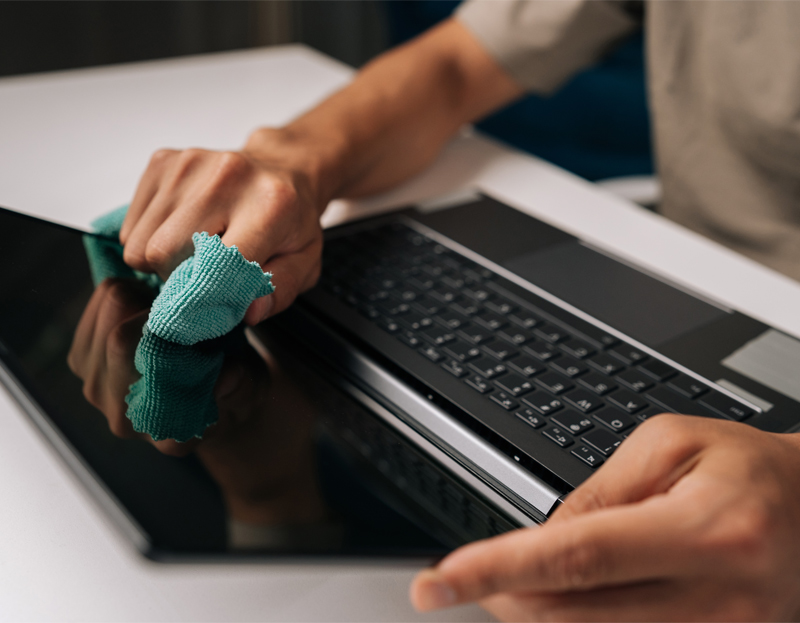
The Microfiber Cloth Rule: The cornerstone of proper maintenance is a high-grade, edgeless microfiber optical cloth. Paper towels, napkins, and cotton t-shirts contain coarse cellulose fibers that leave micro-scratches on delicate coatings and must never be used.
Purified or Distilled Water: After lifting loose surface dust with a dry microfiber cloth, distilled water is entirely sufficient to clear remaining finger smudges. Tap water contains dissolved minerals that leave abrasive limescale deposits and should be avoided.
Never Spray Liquid Directly onto the Panel: Cleaning fluid or distilled water must never be sprayed straight onto the display. Runoff droplets easily seep beneath the lower bezel into backlight assemblies and inverter circuitry, causing vertical lines and short circuits. The fluid should always be applied sparingly to the cloth first, followed by gentle, straight wiping motions.
📌 In Summary
Laptop screens are advanced technological surfaces protected by delicate nano-optical coatings, not ordinary panes of glass. Wet wipes loaded with alcohol, ammonia, or fragrances dissolve these protective layers, causing irreversible delamination and clouded visibility. The safest, most economical way to keep your screen crystal clear is using pure distilled water lightly misted onto a clean microfiber cloth.